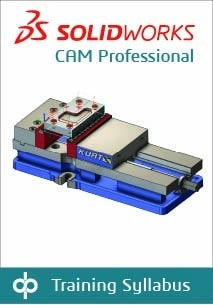
This course teaches how to use the SOLIDWORKS CAM Professional software. Topics include VoluMill™, mill machining in the context of an assembly, and 3 plus 2 machining. Additionally, the course teaches how to generate, modify and post-process 2-axis turning toolpaths used to
machine SOLIDWORKS part files.
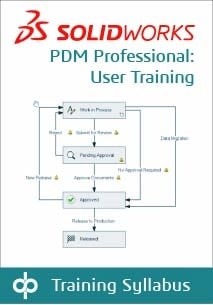
This course focuses on the fundamental skills and concepts central to the successful use of SOLIDWORKS PDM. The intended audience for this course is anyone who will manage files with SOLIDWORKS PDM.
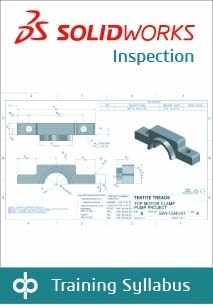
Learn the basics of working with SOLIDWORKS Inspection to automate the process of working with inspection documents. In this course, you will work with both the add-in and standalone versions of the product.
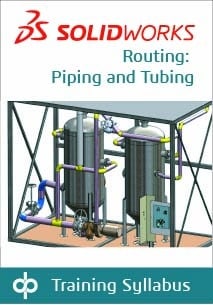
Routing – Piping and Tubing explains how to create, edit and manage Piping and Tubing routes, from the critical routing components and their design requirements to the subassemblies that contain the routes.
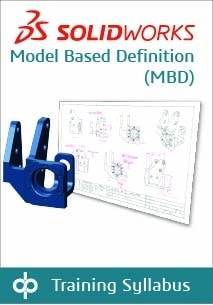
This course aims to teach you how to use SOLIDWORKS MBD to present product and manufacturing information (PMI) in a 3D PDF file. This course includes using DimXpert and annotation views combined with capturing and publishing 3D views.
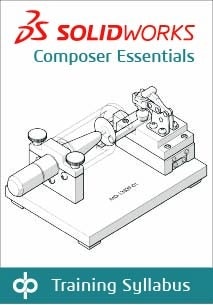
This course teaches you how to use SOLIDWORKS Composer to create
2D and 3D output from CAD design data.
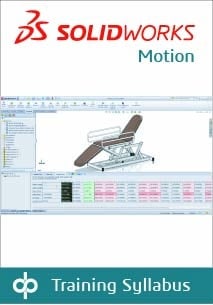
Motion Simulation is for users who would like to become productive quickly in using SOLIDWORKS Motion. This 2-day course will teach you how to use the SOLIDWORKS Motion simulation package to study your SOLIDWORKS assembly models’ kinematics and dynamic behavior. In addition, the course provides an in-depth session on the basics of building, simulating, and refining a mechanical design system.
This course aims to teach you how to use DraftSight to optimize your drawings and designs for manufacturability so you can maximize quality,
avoid rework and decrease time to market.
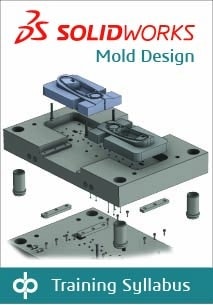
Mold Design Using SOLIDWORKS teaches you several manual mold creation techniques and how to use the Mold Tools in SOLIDWORKS
mechanical design automation software.
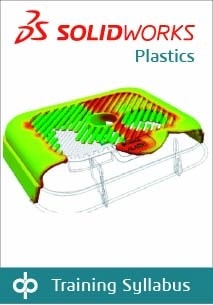
The SOLIDWORKS Plastics course teaches you how to use specialized simulation software tools to predict how melted plastic flows during the injection molding process. Predicting how the plastic will flow enables you to predict manufacturing defects such as weld lines, air traps, short shots, and sink marks. By predicting these defects, you can change the part or mold geometry, the processing conditions, or the plastic material to eliminate or minimize them, saving energy, material, time, and money. The SOLIDWORKS Plastics course covers all the features and functions of both SOLIDWORKS Plastics Professional (for part designers) and SOLIDWORKS Plastics Premium (for mold designers).
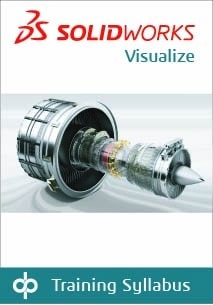
This course teaches how to use the SOLIDWORKS Visualize software to
create professional, high-quality renderings, videos, and VR outputs for marketing purposes.
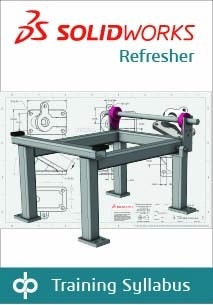
SOLIDWORKS Refresher is intended to review functions of the SOLIDWORKS software for users who may have been removed from regular use for an extended period. It includes selected lessons and exercises from SOLIDWORKS Essentials, Advanced Part Modeling, and Assembly Modeling.