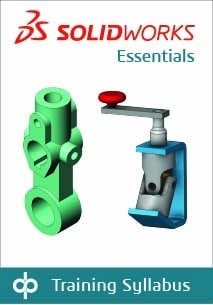
Topics covered are: sketching, multi-contour sketching, reference geometry creation, design intent, feature creation, shelling, configurations, assemblies, drawings/detailing, editing, parent-child relationships, relations, rudimentary top-down design, and advanced
mating techniques.
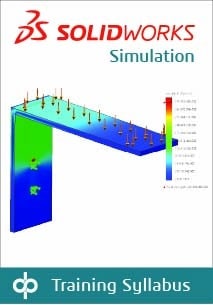
Topics covered in this course are: introduction to FEA; FEA principles and theory; element quality; linear static analysis of parts; gap/contact and advanced assembly analysis; analysis setup and post-processing; evaluating FE convergence; limitations of linear analysis; load and boundary condition application; stress analysis with thermal loading; model and result validation; automatic report generation.
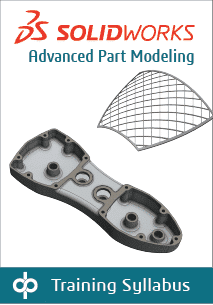
Advanced Part Modeling teaches you how to use multibody solids, sweeping and lofting features, and the more advanced shaping capabilities of SOLIDWORKS.
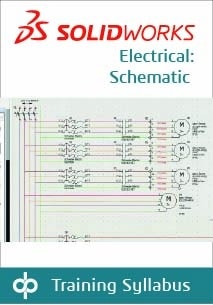
Topics covered: projects, single line diagrams, cabling, creating schematics, cross-referencing the single line diagram, control drawings, managing origin-destination arrows, programmable logic controllers (PLC), creating and using macros, editing the PLC drawing, creating and running reports
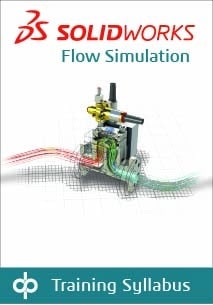
This course teaches the essential skills you will need to start performing fundamental computational fluid dynamics (CFD) simulations on your own using SOLIDWORKS Flow Simulation. This two-day training program provides an in-depth session on the basics of fluid flow analysis, covering meshing concerns, modeling concerns, analysis, post-processing, available options, and preferences.
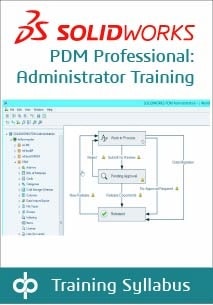
The focus of this course is on the fundamental skills and concepts central to the successful use of SOLIDWORKS PDM. The intended audience for this course is anyone who will set up and/or administer SOLIDWORKS PDM.
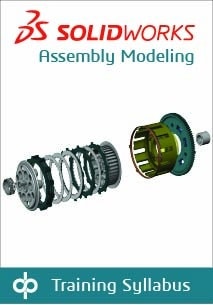
Assembly Modeling teaches you how to maximize your use of the assembly modeling capabilities of SOLIDWORKS mechanical design automation software.
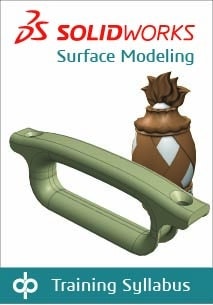
Surface Modeling teaches you how to build freeform shapes using SOLIDWORKS mechanical design automation software.
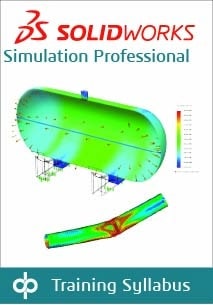
Topics covered in this course are: heat transfer analysis, steady state, and transient; frequency analysis; effect of in-plane loading on thin-walled structures; structural failure under compressive loads; buckling of elastic structures; meshing options; drop testing; fatigue; optimization.
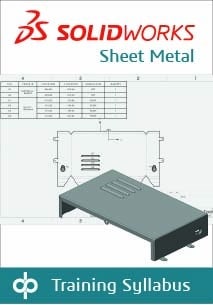
Sheet Metal teaches you how to build sheet metal parts using SOLIDWORKS mechanical design automation software. Building standalone sheet metal parts, and converting conventional parts to sheet metal, including in the assembly context, are covered.
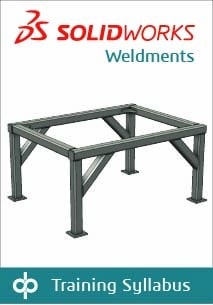
Weldments teaches you how to create welded structures with standard
structural members. Weld beads are also covered.
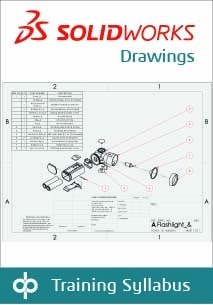
This SOLIDWORKS training course teaches you how to make drawings of
SOLIDWORKS parts and assemblies.
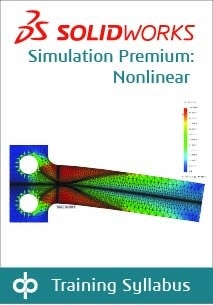
This class will raise your SOLIDWORKS Simulation FEA skills to the next level! It offers hands-on experience using the SOLIDWORKS Simulation Premium nonlinear module. The 2-day course overviews various nonlinear structural/mechanical analysis topics. You will learn how to deal with models that exhibit large displacements and yielding, discuss and practice the use of many material models available in SOLIDWORKS Simulation, and, most importantly, how to drive a nonlinear analysis to successful completion.
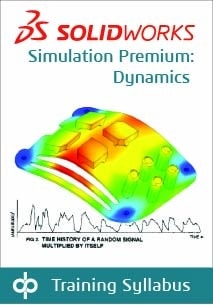
This course is designed for users who would like to become productive in analyzing structures subjected to various types of dynamic loading. The material covered includes the time-dependent analysis (force loads and motion shock loading examples), harmonic analysis and random vibration analysis (MILS-STD-810F example), response spectrum analysis, and introduction to nonlinear dynamics simulation.
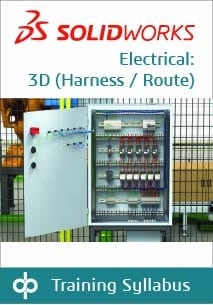
This class is designed for users of SOLIDWORKS Electrical 3D to understand how to place components and route wires. Topics covered are: Adding a Cabinet, Inserting Components in the Cabinet, Adding Door Components, Propagating 2D changes to 3D, and Routing Wires.
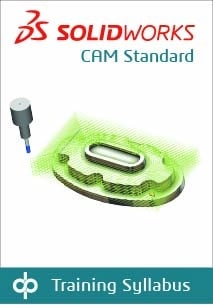
This course teaches how to use the SOLIDWORKS CAM Standard software to generate, modify, and post-process 2.5-axis milling toolpaths used for machining SOLIDWORKS part files.