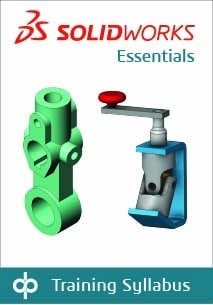
Topics covered are: sketching, multi-contour sketching, reference geometry creation, design intent, feature creation, shelling, configurations, assemblies, drawings/detailing, editing, parent-child relationships, relations, rudimentary top-down design, and advanced
mating techniques.
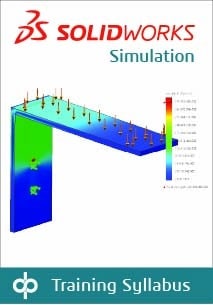
Topics covered in this course are: introduction to FEA; FEA principles and theory; element quality; linear static analysis of parts; gap/contact and advanced assembly analysis; analysis setup and post-processing; evaluating FE convergence; limitations of linear analysis; load and boundary condition application; stress analysis with thermal loading; model and result validation; automatic report generation.
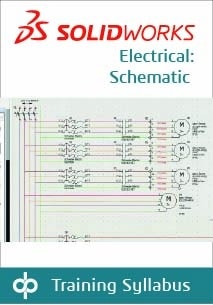
Topics covered: projects, single line diagrams, cabling, creating schematics, cross-referencing the single line diagram, control drawings, managing origin-destination arrows, programmable logic controllers (PLC), creating and using macros, editing the PLC drawing, creating and running reports
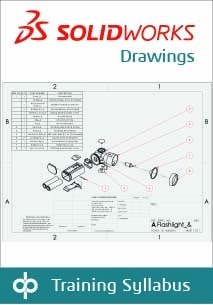
This SOLIDWORKS training course teaches you how to make drawings of
SOLIDWORKS parts and assemblies.
This course teaches how to use the SOLIDWORKS CAM Standard software to generate, modify, and post-process 2.5-axis milling toolpaths used for machining SOLIDWORKS part files.
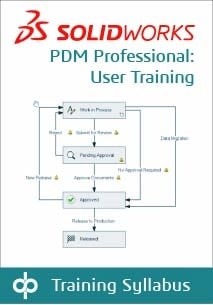
This course focuses on the fundamental skills and concepts central to the successful use of SOLIDWORKS PDM. The intended audience for this course is anyone who will manage files with SOLIDWORKS PDM.
Learn the basics of working with SOLIDWORKS Inspection to automate the process of working with inspection documents. In this course, you will work with both the add-in and standalone versions of the product.
This course aims to teach you how to use SOLIDWORKS MBD to present product and manufacturing information (PMI) in a 3D PDF file. This course includes using DimXpert and annotation views combined with capturing and publishing 3D views.
This course teaches you how to use SOLIDWORKS Composer to create
2D and 3D output from CAD design data.
This course aims to teach you how to use DraftSight to optimize your drawings and designs for manufacturability so you can maximize quality,
avoid rework and decrease time to market.