

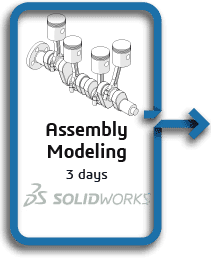
SOLIDWORKS Assembly Modeling
Assembly Modeling teaches you how to maximize your use of the assembly modeling capabilities of SOLIDWORKS mechanical design automation software.
$945.00 – $995.00
Assembly Modeling teaches you how to maximize your use of the assembly modeling capabilities of SOLIDWORKS mechanical design automation software.
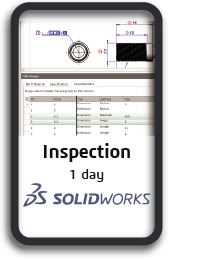
Learn the basics of working with SOLIDWORKS Inspection to automate the process of working with inspection documents. In this course, you will work with both the add-in and standalone versions of the product.
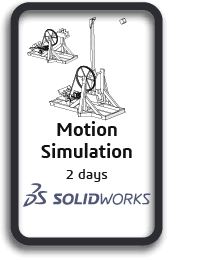
Motion Simulation is for users who would like to become productive quickly in using SOLIDWORKS Motion. This 2-day course will teach you how to use the SOLIDWORKS Motion simulation package to study your SOLIDWORKS assembly models’ kinematics and dynamic behavior. In addition, the course provides an in-depth session on the basics of building, simulating, and refining a mechanical design system.
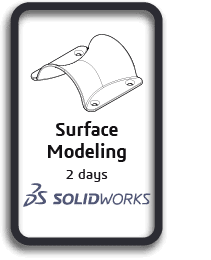
Surface Modeling teaches you how to build freeform shapes using SOLIDWORKS mechanical design automation software.
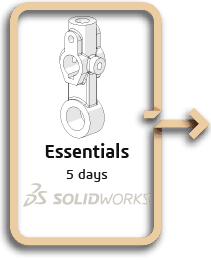
Topics covered are: sketching, multi-contour sketching, reference geometry creation, design intent, feature creation, shelling, configurations, assemblies, drawings/detailing, editing, parent-child relationships, relations, rudimentary top-down design, and advanced
mating techniques.
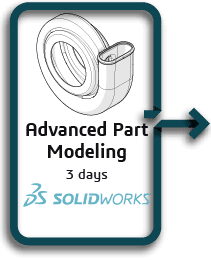
Advanced Part Modeling teaches you how to use multibody solids, sweeping and lofting features, and the more advanced shaping capabilities of SOLIDWORKS.
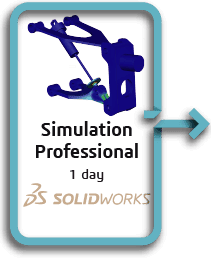
Topics covered in this course are: heat transfer analysis, steady state, and transient; frequency analysis; effect of in-plane loading on thin-walled structures; structural failure under compressive loads; buckling of elastic structures; meshing options; drop testing; fatigue; optimization.
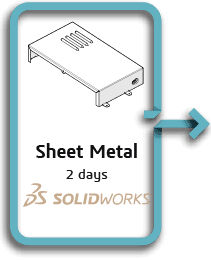
Sheet Metal teaches you how to build sheet metal parts using SOLIDWORKS mechanical design automation software. Building standalone sheet metal parts, and converting conventional parts to sheet metal, including in the assembly context, are covered.